Free
$0Forever
Flow, Spectral, Interference, Neon Alley, and Chrome Study.
- 5 Included Scenes
- Colors, Motion, And Saved Profiles
- Every Personal Mac And Display
- Image Imports Require Full
Start with five free scenes, or unlock the full collection and your own images.
$0Forever
Flow, Spectral, Interference, Neon Alley, and Chrome Study.
$5USD · Once
Every scene. Your own images. Up to 3 Macs.
Double-click the download in your Downloads folder. Safari may unpack it for you.
Drag Glyphscape into your Applications folder, then open it. macOS asks you to confirm the first time.
The studio opens on first launch. Later, choose Open Studio… from the Glyphscape icon in your menu bar.
All 40 scenes run live in the Playground. Change their colors and motion, or try one of your own photos, right in your browser.
Open The Playground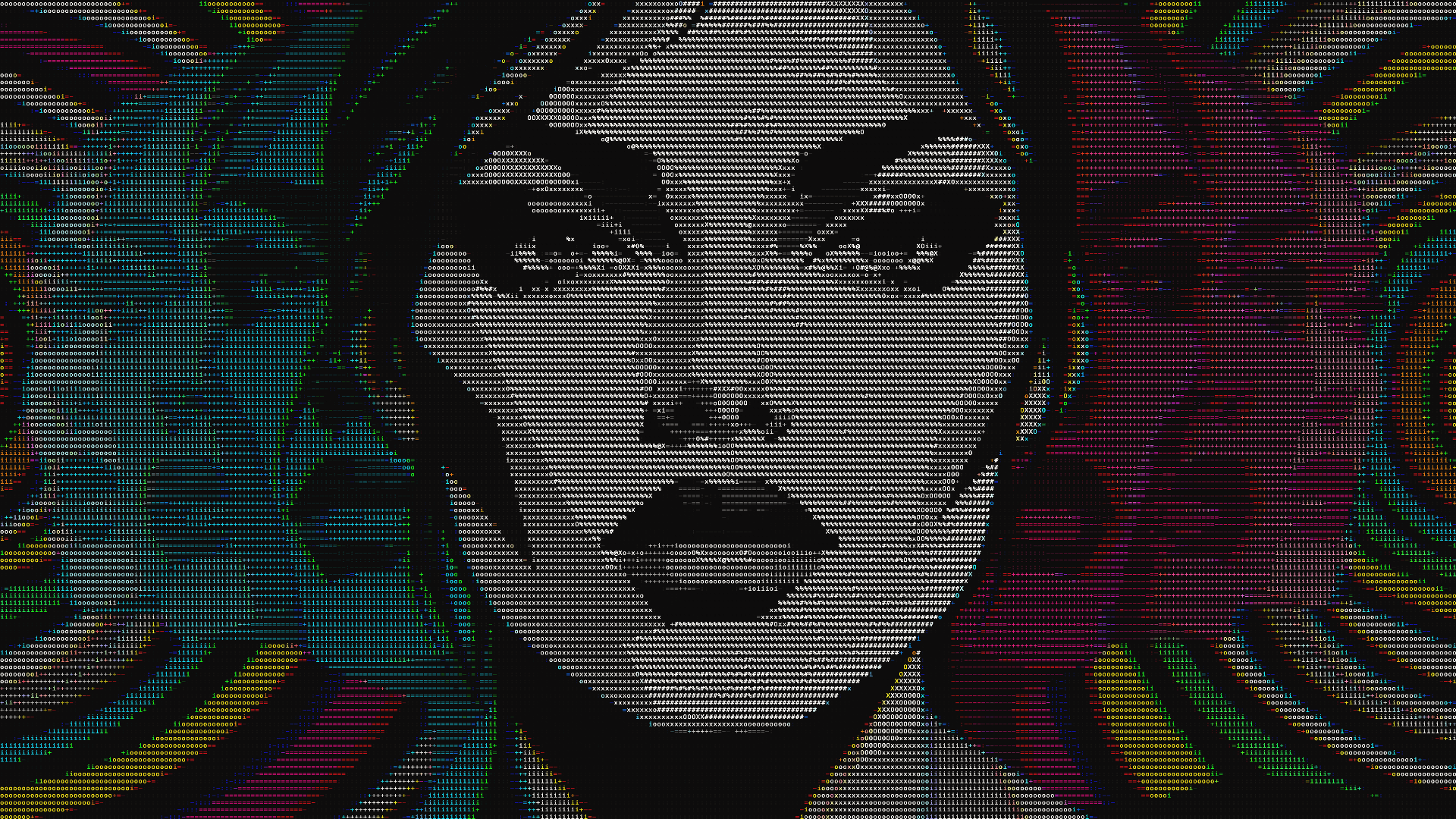
Open Get Glyphscape Full… from the menu bar and paste your key. Your existing personal license includes everything.