Set The Mood.
Choose foreground and background colors. Make the marks finer or bolder, adjust contrast, and set the pace. Every style is adjustable.
Animated wallpapers you can make your own. Choose a scene or an image, then shape its colors, texture, and motion.

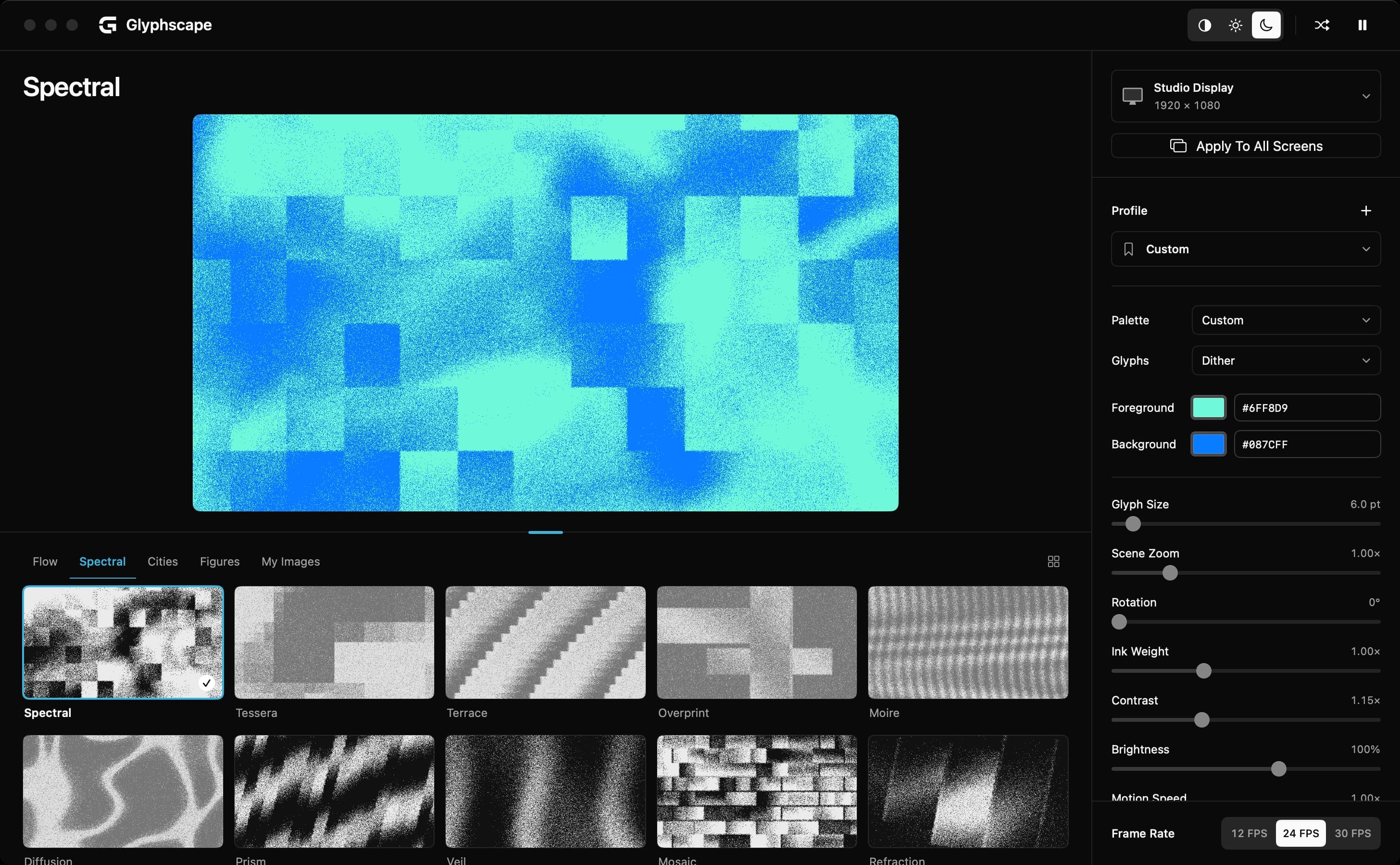
40 animated scenes to start from.
Choose one and watch it move. Change its colors, texture, and motion as it plays.
 Loading Animated Preview…
A color you love. A pace that feels right. One world across your desk, or something different on every screen.
Choose foreground and background colors. Make the marks finer or bolder, adjust contrast, and set the pace. Every style is adjustable.
Give each display a different look, or apply one complete setup across your whole desk.
Save your colors, glyphs, and motion as a profile. Apply them to the scene or image you’re viewing.
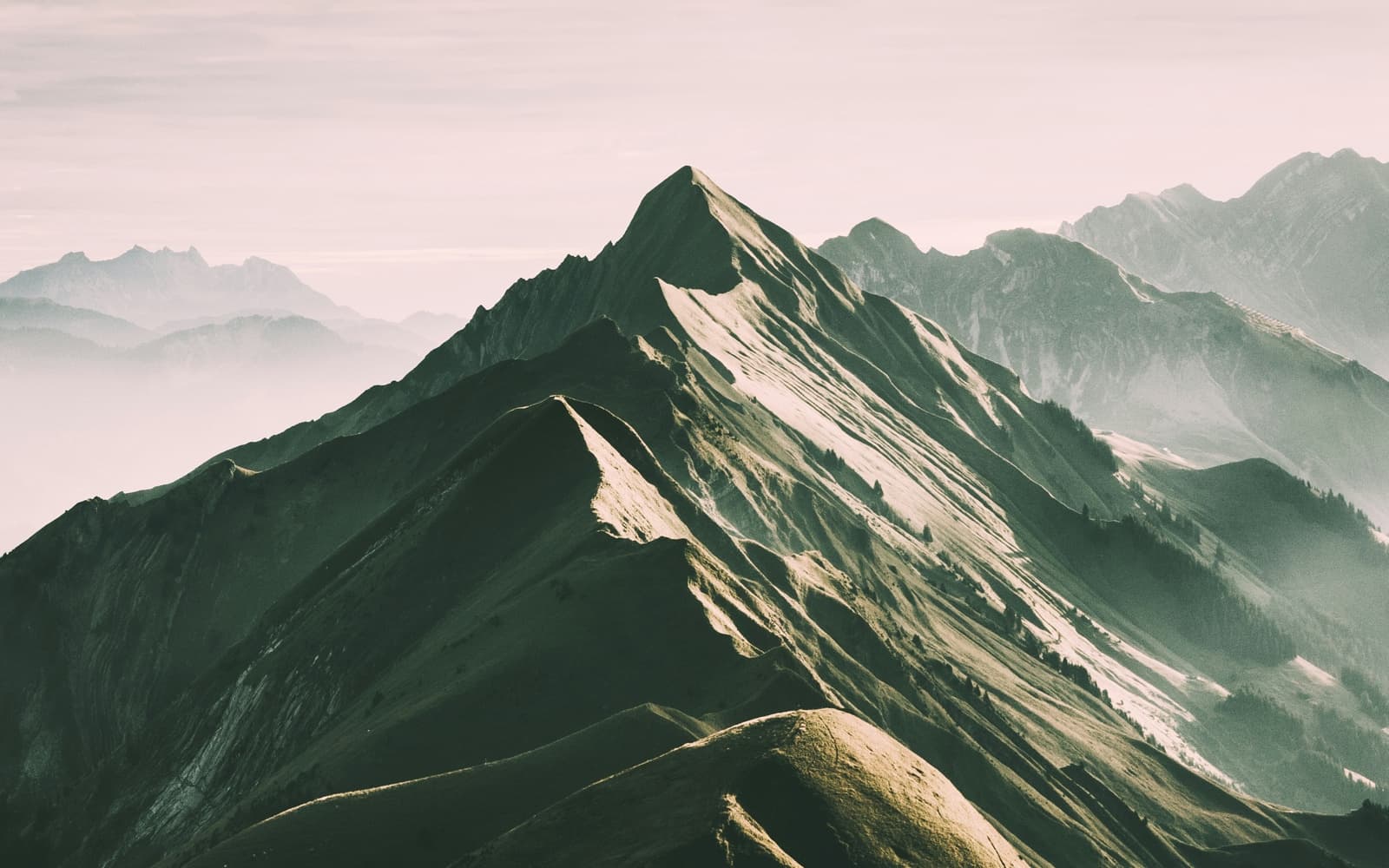
Turn a photo into a moving wallpaper. Try ASCII, dots, pixels, or dither, and change the colors, detail, and motion while it plays.
 Loading Animated Preview…
Five scenes to start. Unlock the whole collection and bring your own images for $5, once.
Flow, Spectral, Interference, Neon Alley, and Chrome Study.
Every scene. Your own images. Up to 3 Macs.
No Subscription. No Glyphscape Account.
Read The License DetailsFree includes Flow, Spectral, Interference, Neon Alley, and Chrome Study, with color and motion controls, saved profiles, and every connected display. It does not expire. The $5 Full license adds the remaining scenes and image imports.
All 40 built-in scenes, your own imported images, and the full studio. Each key can be activated on up to 3 Macs in total. Every display connected to an activated Mac is included. It is a one-time purchase, with no subscription.
Glyphscape is built for Apple Silicon Macs running macOS 13 or later. It adapts to your MacBook display and external monitors, with separate settings for each screen.
Animated wallpapers use power while they run. Glyphscape caps playback on battery and in Low Power Mode, pauses hidden views, and gives you a 12 FPS option. You can also pause the animation at any time.
With Full, import an image and choose ASCII, pixels, dots, or dither, then add drift, zoom, orbit, ripple, or wave motion. Your images stay on your Mac. You can remove imported copies from My Images; your original files stay untouched.
Free works without activation. You need a connection to purchase and activate Full. An activated Mac keeps working offline; Glyphscape checks the license periodically when you are online.
Glyphscape uses a native update prompt for new app releases. You can review the release notes, install when ready, or check manually from the menu bar. Updates keep your existing settings and license.